Claude AI vs ChatGPT: What’s the Difference and When Should You Use Claude?
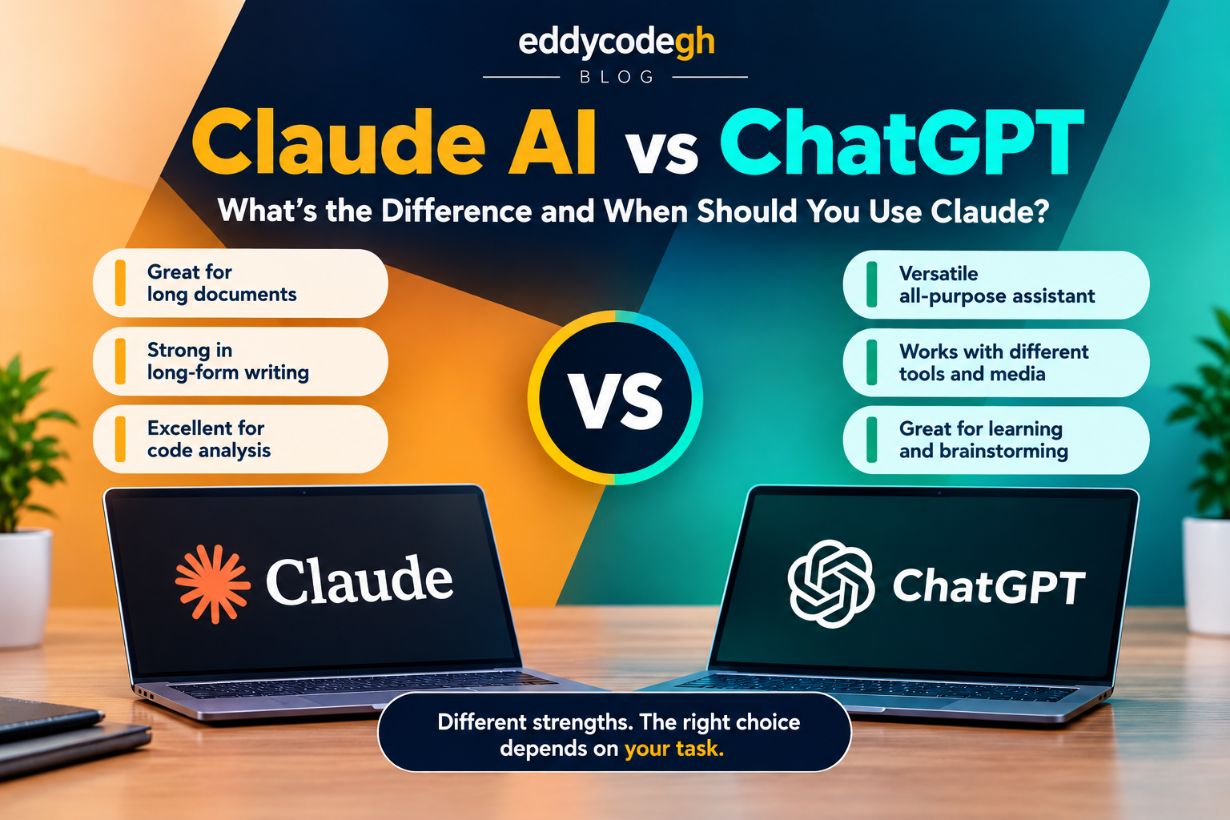
Artificial intelligence is changing the way people work, study, write, code and solve problems. Two of the most popular AI assistants today are ChatGPT and Claude AI.
Both can answer questions, write content, analyze information and help with programming. However, they are designed by different companies and can behave differently depending on the task.
In this article, we take a simple look at Claude AI vs ChatGPT, their differences, and some situations where Claude may be a better choice.
What Is Claude AI?
Claude is an artificial intelligence assistant developed by Anthropic. It is designed to help users with tasks such as writing, programming, research, analysis, summarization and working with large amounts of text.
Claude is particularly known for its focus on helpful responses, long-form writing, document analysis and handling large amounts of information.
What Is ChatGPT?
ChatGPT is an AI assistant developed by OpenAI. It can be used for answering questions, writing, coding, learning, brainstorming, analyzing information and many other tasks.
ChatGPT has also developed into a broader AI platform with capabilities that can include web research, image generation, data analysis, voice conversations and other tools, depending on the version and features available to the user.
Claude AI vs ChatGPT: The Main Difference
The biggest difference is not simply that one AI is "smarter" than the other. They are built by different companies, use different AI models and have different strengths, tools and approaches to handling tasks.
In practice, the best choice depends on what you are trying to accomplish.
Claude AI
- Strong at long-form writing and editing
- Good at analyzing large documents
- Strong coding and software-development assistance
- Often produces structured and natural-looking explanations
- Useful for working with large amounts of text
ChatGPT
- Very versatile for general-purpose AI assistance
- Strong programming and problem-solving capabilities
- Useful for research and information gathering
- Can work with multiple types of media and tools
- Useful for brainstorming, learning and creative tasks
When Is Claude AI Better to Use?
Claude is not automatically better than ChatGPT. However, there are certain situations where you may prefer Claude because of the way it handles the task.
1. Working With Large Documents
If you have a long document, report, research material, technical documentation or collection of text that you need to understand, Claude can be a useful option.
For example, you could give an AI a long technical document and ask it to identify important sections, summarize the information or explain complicated concepts.
Claude's ability to work with large amounts of context can make it particularly useful for these kinds of tasks.
2. Long-Form Writing
Claude can be a good choice when you need to produce or improve a long piece of writing.
This could include:
- Articles
- Reports
- Documentation
- Business proposals
- Research notes
- Technical documentation
It can also help maintain consistency across a large piece of text, which can be useful when editing or restructuring documents.
3. Reading and Understanding Codebases
Developers can use Claude to work with large amounts of source code and understand how different parts of a project connect.
For example, instead of asking an AI about one small Python file, you might want to understand how your models, views, URLs and templates work together in a Django project.
Claude can be particularly useful when the task requires keeping track of relationships between many pieces of code.
4. Refactoring Existing Code
Claude can also be useful when you already have working code but want to improve its structure.
You could ask it to identify duplicated code, improve readability, reorganize functions or suggest a cleaner architecture.
This makes it useful not only for writing new code but also for understanding and improving existing projects.
5. Analyzing Complex Text
Claude can be a good choice when the main task involves reading, comparing and reasoning about large amounts of written information.
For example, you could provide several documents and ask the AI to identify differences, common points, important arguments or missing information.
When Should You Use ChatGPT Instead?
ChatGPT is often a better choice when you need a more general-purpose AI assistant with a broad collection of tools and capabilities.
1. When You Need Different Types of AI Tools
ChatGPT can be useful when your project requires more than text generation. Depending on the available features, it can work with things such as images, files, data and other tools.
2. Learning and Explaining Concepts
ChatGPT can be very useful for students and developers who want concepts explained step-by-step.
You can ask it to explain programming, mathematics, networking, artificial intelligence or other technical subjects at different levels of difficulty.
3. Brainstorming and Creative Work
ChatGPT can also be useful for brainstorming ideas, creating content concepts, developing projects and exploring different approaches to a problem.
4. Working With Tools
One of ChatGPT's major advantages is that it can combine conversation with various tools and workflows. This can make it useful when a task requires research, analysis, file processing or other forms of computer-assisted work.
Which AI Is Better for Coding?
There is no universal winner.
Both Claude and ChatGPT can be powerful programming assistants. Your choice should depend on the type of programming task you are performing.
For example, Claude may be especially useful when you need to understand or refactor a large codebase, while ChatGPT can be useful when you need a combination of coding, explanation, debugging and other tools.
For serious software development, it can actually be useful to test the same problem with both systems and compare the results.
Can You Use Claude and ChatGPT Together?
Yes. You don't necessarily have to choose only one.
One practical strategy is to use one AI to generate a solution and another AI to review or improve it.
For example:
- Use Claude to analyze a large project or document.
- Use ChatGPT to explore alternative solutions.
- Compare the suggestions.
- Test the final result yourself.
This approach can be especially useful for developers, writers and researchers.
Claude vs ChatGPT: Simple Comparison
| Task | Claude | ChatGPT |
|---|---|---|
| Long documents | Excellent choice | Excellent choice |
| Long-form writing | Excellent choice | Excellent choice |
| Coding | Excellent choice | Excellent choice |
| Large codebases | Very useful | Very useful |
| General AI assistant | Very useful | Very useful |
| Multimedia and tool-based workflows | Depends on available features | Strong option |
So, Which One Should You Choose?
The answer depends on your specific needs.
If your main goal is working with large documents, long-form writing, detailed analysis or large codebases, Claude is definitely an AI assistant worth trying.
If you want a versatile general-purpose AI assistant that combines conversation with a wide range of tools and capabilities, ChatGPT may be the better choice.
However, the best approach may be to use both. AI tools are constantly improving, and a model that performs better for one task today may not necessarily remain the best choice for that task in the future.
Final Thoughts
Claude AI and ChatGPT are not simply competitors where one is always better than the other. They are powerful AI assistants with different strengths.
Claude can be particularly valuable for long documents, detailed writing, code analysis and tasks that require maintaining a large amount of context.
ChatGPT is a strong all-round option for learning, coding, research, creative work and workflows involving different AI capabilities and tools.
Instead of asking "Which AI is the best?", a better question is: "Which AI is best for the task I am doing right now?"
Practical Decision Guide: Claude or ChatGPT?
Not sure whether to use Claude or ChatGPT? Instead of comparing features one by one, start with the task you want to accomplish.
Use Claude When...
- You have a very long document: Ask Claude to summarize, analyze, compare or extract information from large amounts of text.
- You are writing a long article or report: Claude can be a strong choice for drafting, restructuring and editing long-form content.
- You are working on a large codebase: Claude can help you understand how different files and components of a project work together.
- You need to refactor code: Give Claude existing code and ask it to identify problems, improve the structure and explain the changes.
- You need detailed text analysis: Claude can be useful when the main challenge is understanding and reasoning through a large amount of written information.
Use ChatGPT When...
- You want an all-purpose AI assistant: ChatGPT is useful for everyday questions, writing, coding, learning and brainstorming.
- You need different AI tools: ChatGPT can combine conversation with capabilities such as working with files, images, data and other tools, depending on the features available to you.
- You are learning something new: ChatGPT can explain difficult subjects step-by-step and adapt explanations to your level.
- You are brainstorming: ChatGPT can help generate ideas for projects, businesses, content, applications and creative work.
- You need a mixture of tasks: If your project involves research, coding, writing, analysis and other activities, ChatGPT can be a convenient general-purpose option.
Quick Decision Table
| If You Need To... | Try First | Why? |
|---|---|---|
| Analyze a large document | Claude | Strong option for large amounts of text and context. |
| Write a long report | Claude | Useful for long-form drafting and editing. |
| Understand a large codebase | Claude | Useful for reasoning across multiple files and components. |
| Learn a difficult topic | ChatGPT | Strong for interactive explanations and step-by-step learning. |
| Brainstorm ideas | ChatGPT | Useful for exploring many ideas and approaches. |
| Work with different media and tools | ChatGPT | Offers a broad range of capabilities depending on your plan and available tools. |
| Debug or write code | Both | Test both and choose the response that produces the better solution. |
| Get a second opinion | Both | Compare their answers instead of relying on a single AI model. |
The 30-Second Decision Rule
You can make the choice even simpler:
Is your task mainly about a large amount of text or a large existing codebase?
→ Try Claude first.
Do you need a general-purpose assistant with a variety of tools and capabilities?
→ Try ChatGPT first.
Are you writing code?
→ Try either one, then compare the code, reasoning and results.
Are you unsure?
→ Give the same prompt to both and choose the response that actually solves your problem.
For Developers: A Simple Workflow
If you are a developer, you don't have to choose only one AI assistant. You can give each tool a different role.
- Use Claude to understand a large existing codebase.
- Ask it to identify potential problems or areas for refactoring.
- Use ChatGPT to explore alternative implementations or explain a technical concept.
- Compare the suggested solutions.
- Test the final code yourself before putting it into production.
This approach turns Claude and ChatGPT from competing tools into complementary tools in your development workflow.
Disclaimer: Claude vs ChatGPT
This comparison is intended as a practical guide, not a definitive ranking of Claude and ChatGPT. Both AI platforms are continuously updated, and their features, capabilities and performance can vary depending on the model, plan, tools available and the specific task.
Statements about one platform being better for a particular use case should therefore be viewed as general guidance rather than absolute conclusions. An AI that performs better on one task may produce a weaker result on another.
For important work, users should verify AI-generated information, test suggested code and use their own judgment before relying on the output.



Comments
0Sign in with Google to join the conversation.
Continue with GoogleNo comments yet. Be the first to comment!