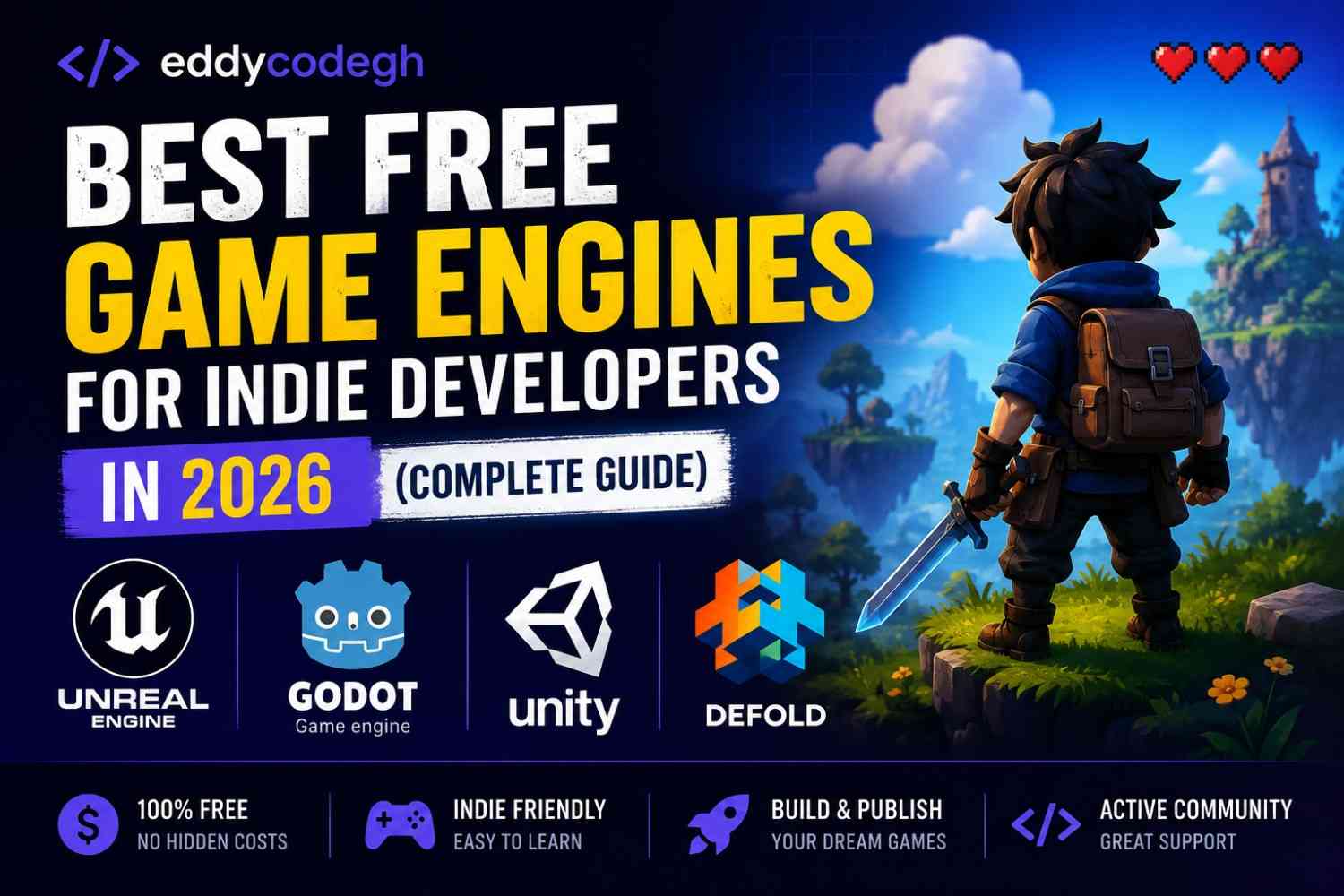
Best Free Game Engines for Indie Developers in 2026 (Complete Guide)
1. Introduction
Game development is now more accessible than ever. Indie developers no longer need expensive tools to create high-quality games. Free game engines provide powerful features for building 2D and 3D games across mobile, PC, and web platforms.
Whether you are a beginner or an experienced developer, choosing the right engine is one of the most important decisions you will make.
Why Game Engines Matter
- They simplify game development
- Provide built-in physics and graphics tools
- Support multiple platforms
- Speed up development time
- Reduce coding complexity
2. Problem
Many beginner indie developers struggle with:
- Not knowing which engine to choose
- Overwhelming number of tools available
- Confusion about 2D vs 3D engines
- Limited hardware resources
- Lack of structured learning path
Common Mistake
Many beginners switch between engines too often instead of mastering one.
3. Solution
Focus on learning one engine deeply, build small games, and gradually expand to more advanced features. Each engine has strengths depending on your goals.
4. Step-by-Step Guide
Step 1: Decide Your Game Type
- 2D mobile games
- 3D PC games
- Web-based games
- VR/AR experiences
Step 2: Choose an Engine Based on Needs
Step 3: Learn Basics (Scripting + UI)
Step 4: Build Small Projects
Step 5: Publish and Improve
5. Best Free Game Engines for Indie Developers
1. Unity
One of the most popular game engines in the world for both 2D and 3D games.
- Uses C# programming language
- Great for mobile, PC, and console games
- Huge community and resources
Best for: Beginners to advanced developers
2. Unreal Engine
A powerful engine used for AAA-quality 3D games.
- Uses Blueprints (visual scripting) + C++
- High-quality graphics
- Ideal for realistic 3D games
Best for: Advanced 3D developers
3. Godot Engine
A lightweight, open-source engine perfect for indie developers.
- Completely free and open-source
- Uses GDScript (easy to learn)
- Great for 2D games
Best for: Beginners and indie devs
4. GameMaker Studio
A beginner-friendly engine focused mainly on 2D games.
- Drag-and-drop system
- GML scripting language
- Fast prototyping
Best for: 2D indie games
5. Construct 3
A no-code engine for building 2D games in the browser.
- No programming required
- Web-based development
- Quick game creation
Best for: Beginners with no coding experience
6. Defold
A lightweight engine focused on mobile and web games.
- Fast performance
- Free and open-source
- Great for small teams
Best for: Mobile indie developers
6. Common Challenges
Choosing the Wrong Engine
Solution: Match engine choice with your game goals before starting.
Trying Too Many Engines
Solution: Stick to one engine until you master it.
Performance Issues
Solution: Optimize assets and avoid heavy graphics early on.
Lack of Projects
Solution: Build small games consistently to gain experience.
7. Conclusion
Free game engines have made it easier than ever for indie developers to enter the gaming industry. With dedication and practice, you can start building your own games without spending money on software.
The key is to choose one engine, learn it deeply, and start creating small projects immediately.
8. FAQs
Which game engine is best for beginners?
Godot and Construct are the easiest for beginners to start with.
Is Unity free to use?
Yes, Unity offers a free version for small developers and indie projects.
Can I make money with free game engines?
Yes, you can monetize games through ads, in-app purchases, and game sales.
Do I need coding skills?
Some engines require coding, but others like Construct use visual programming.
Which engine is best for 3D games?
Unity and Unreal Engine are the most powerful for 3D development.